Your 2026 Smart TV Streaming Hub: Setting Up Universal Search Across 4 Popular Apps in Under 10 Minutes
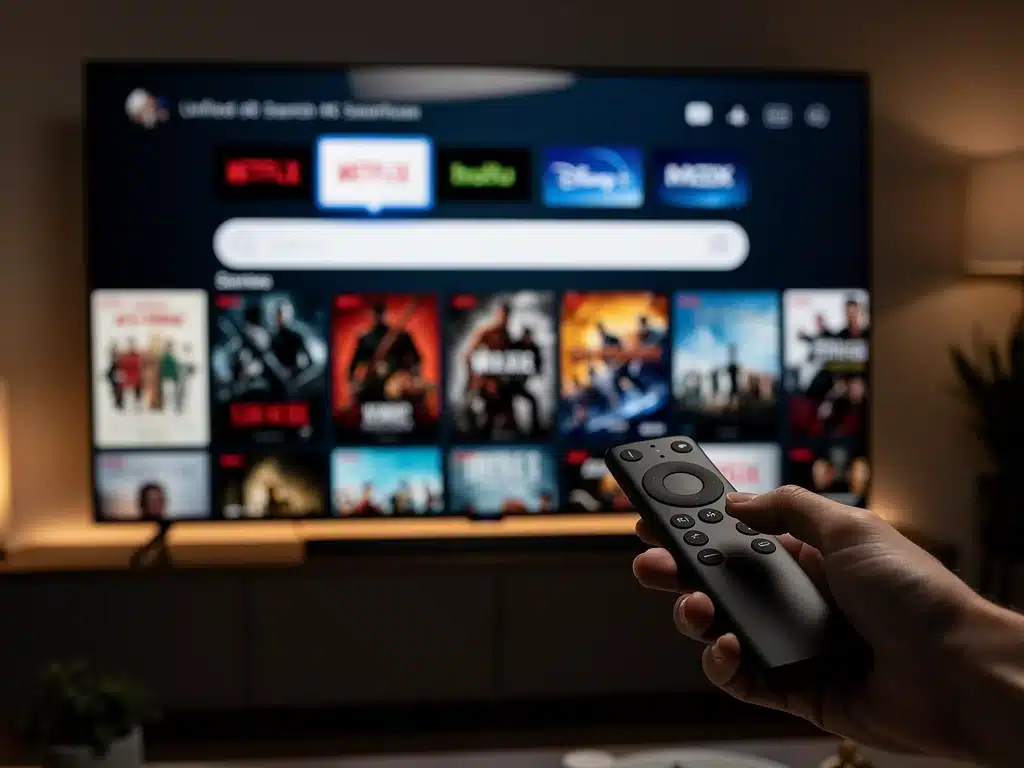
Stop wasting your movie nights jumping from app to app just to find something good to watch. Setting up a Smart TV Universal Search tool is the ultimate way to aggregate all your favorite subscription networks into a single, unified menu.
In less than ten minutes, you can eliminate the endless scrolling and bring total harmony to your home entertainment center.
This cross-platform discovery feature acts as an intelligent media hub, pulling instant results from top streaming giants right onto your main interface.
By consolidating your scattered digital libraries, your television can automatically pinpoint where any title is playing for free or via your active memberships. It is a massive upgrade that transforms a clunky dashboard into a seamless, content-first portal.
This straightforward guide cuts through the technical jargon to help you configure a flawless, interconnected viewing experience. We break down the exact settings you need to tweak to sync your favorite video applications effortlessly.
The Evolution of Smart TV Streaming: A Unified Experience
The landscape of home entertainment continues its rapid transformation, with Smart TVs becoming the central nexus for content consumption. The demand for streamlined navigation across an ever-growing array of streaming services has become paramount for users.
As 2026 approaches, manufacturers are emphasizing integrated features that simplify discovery, moving away from disparate app ecosystems. This shift directly addresses user frustration with fragmented search experiences.
The focus now is on empowering users to find their desired content with minimal effort, making the Smart TV a true entertainment hub rather than just a display device.
Understanding Universal Search: Beyond Single-App Silos
Universal search functionality on a Smart TV transcends the limitations of searching within individual applications. It aggregates content libraries from multiple installed streaming services into a single, comprehensive search result.
This innovative feature eliminates the need to open each app separately to locate a movie or show, saving valuable time and enhancing user convenience. It represents a significant leap forward in optimizing the streaming experience for modern viewers.
Implementing universal search effectively transforms your 2026 Smart TV streaming hub into a more intuitive and powerful device, putting content discovery at your fingertips.
The Core Benefit: Time and Convenience
- Eliminates tedious app-hopping to find content.
- Aggregates search results from multiple services instantly.
- Streamlines the content discovery process for all users.
The primary advantage of universal search lies in its ability to deliver unparalleled efficiency. Users no longer need to remember which specific app hosts their desired program, as the Smart TV handles the cross-platform query.
This convenience is particularly valuable for households subscribing to several streaming platforms, where content can often overlap or be exclusive to certain services. Universal search makes your 2026 Smart TV streaming hub truly smart.
Preparing Your 2026 Smart TV Streaming Hub for Integration
Before initiating the universal search setup, a few preliminary steps ensure a smooth and successful integration process. These foundational checks are crucial for optimizing your 2026 Smart TV streaming hub.
Ensure your Smart TV’s operating system is updated to the latest version. Outdated software can sometimes prevent new features or integrations from functioning correctly, or at their optimal performance.
Verify that all four target streaming applications are installed and logged in on your device. Without active accounts, the universal search function cannot access their content libraries effectively.
Essential Pre-Setup Checklist
- Confirm stable internet connection for your Smart TV.
- Update Smart TV firmware to the latest available version.
- Install and log into all desired streaming applications.
A reliable internet connection is fundamental for any streaming activity, and especially for universal search, which queries external databases. A strong Wi-Fi signal or Ethernet connection will prevent delays during setup and subsequent searches.
Checking these prerequisites ensures that when you proceed with setting up universal search, your 2026 Smart TV streaming hub is ready to perform its new functions without interruption.
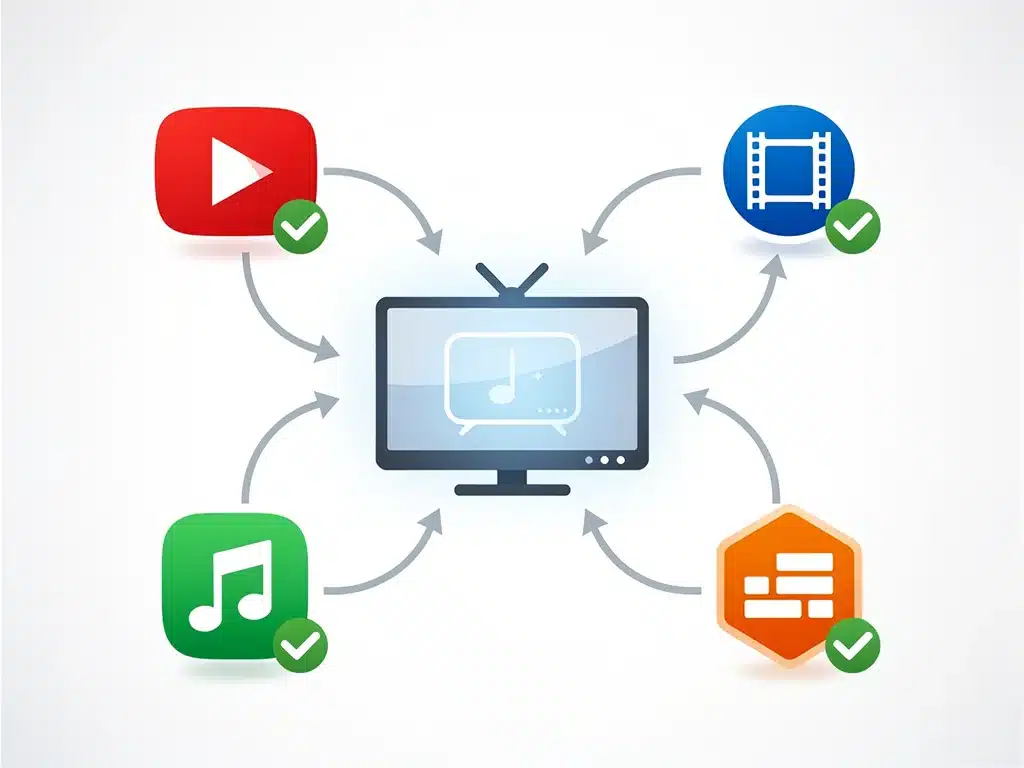
Step-by-Step Guide: Setting Up Universal Search in Under 10 Minutes
Activating universal search on your 2026 Smart TV streaming hub is a straightforward process designed for user accessibility. Most modern Smart TV interfaces prioritize intuitive navigation, making this task quick and easy.
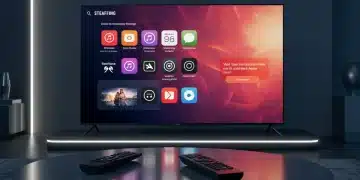
Access your TV’s main settings menu, typically found via a gear or ‘settings’ icon on your remote or home screen. Navigate to the ‘Apps,’ ‘Smart Features,’ or ‘Search Settings’ section, as terminology can vary slightly by manufacturer.
Within this section, locate the ‘Universal Search’ or ‘Content Integration’ option. You will then be prompted to select which installed streaming applications you wish to include in your universal search results, allowing you to customize your 2026 Smart TV streaming hub.
Activating App Integration
- Open Smart TV settings from the home screen.
- Locate ‘Universal Search’ or ‘Content Integration’ option.
- Select your preferred four streaming apps for inclusion.
Once you’ve selected your chosen applications, confirm your choices and exit the settings menu. The Smart TV will then initiate a brief indexing process, integrating the content libraries of the selected apps into its universal search database.
This indexing typically completes within a few moments, after which your 2026 Smart TV streaming hub is fully equipped with enhanced search capabilities. The entire process, from start to finish, should comfortably fit within the 10-minute timeframe.
Integrating Four Popular Apps: Netflix, Hulu, Disney+, and Max
For many users, the core of their streaming experience revolves around a handful of dominant platforms. Integrating Netflix, Hulu, Disney+, and Max into your universal search is a common and highly effective strategy.
These four services collectively offer a vast library of movies, series, documentaries, and exclusive content, making their combined searchability incredibly valuable. Your 2026 Smart TV streaming hub becomes a powerhouse of content discovery with them.
Ensuring these specific apps are properly linked to your universal search function will dramatically improve your ability to find desired content without friction.
Optimizing Your Core Streaming Experience
The process for integrating these specific apps follows the general steps outlined previously. After navigating to the universal search settings, simply ensure that Netflix, Hulu, Disney+, and Max are individually selected for inclusion.
Some Smart TVs may offer additional customization options, such as prioritizing results from certain services or filtering by subscription status. Explore these features to further tailor your 2026 Smart TV streaming hub.
Confirming the successful integration of these popular apps means you can now search for specific titles and receive results indicating availability across all four platforms simultaneously.
Troubleshooting Common Universal Search Issues
While setting up universal search is generally smooth, occasional issues can arise. Understanding common troubleshooting steps ensures your 2026 Smart TV streaming hub remains fully functional.
If search results are incomplete or a specific app’s content isn’t appearing, first verify that the app is indeed logged in and updated. A simple logout and re-login within the problematic app can often resolve synchronization issues.
Another common fix involves restarting your Smart TV entirely, not just putting it to sleep. A full power cycle can clear temporary glitches and re-establish proper communication between the TV’s operating system and the integrated apps.
Quick Fixes for Search Discrepancies
- Verify app login credentials and subscription status.
- Perform a full power cycle of your Smart TV.
- Revisit universal search settings to confirm app selections.
If problems persist, checking your internet connection stability is crucial, as universal search relies heavily on network access to query remote content databases. A weak or intermittent connection can lead to incomplete results on your 2026 Smart TV streaming hub.
Consulting your Smart TV manufacturer’s support website or the specific app’s help section can provide more tailored solutions for persistent or unusual issues that might arise during the operation of your Smart TV universal search.
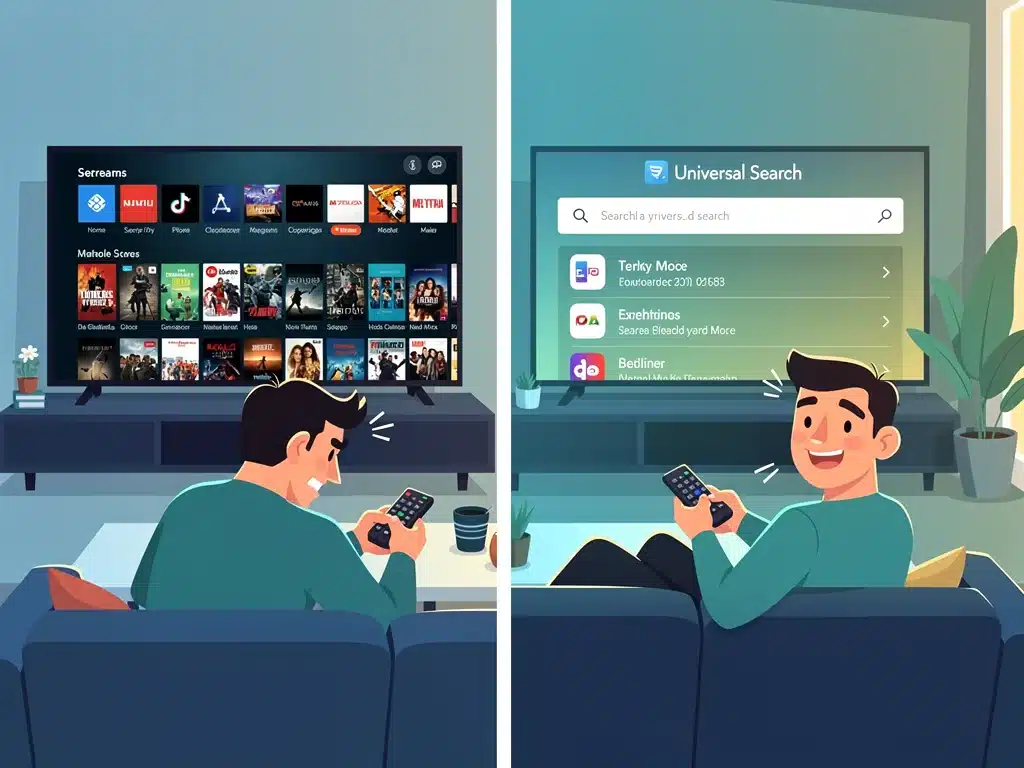
The Future of Content Discovery: AI and Personalized Hubs
The current state of universal search is just the beginning; the future promises even more sophisticated content discovery mechanisms. Artificial intelligence is set to play a pivotal role in personalizing your 2026 Smart TV streaming hub.
AI algorithms will learn your viewing habits, preferences, and even emotional responses to content, offering highly curated recommendations across all integrated services. This moves beyond simple search to predictive content delivery.
Expect to see Smart TVs evolve into truly adaptive entertainment companions, anticipating your desires before you even articulate them, further enhancing the utility of your 2026 Smart TV streaming hub.
Anticipating Next-Generation Features
Voice-activated universal search will become even more nuanced, understanding complex conversational queries and context. Imagine asking your TV, “Show me a sci-fi thriller from the 90s that I haven’t seen yet,” and receiving immediate, relevant results.
Integration with smart home ecosystems will also deepen, allowing for seamless transitions between devices and personalized viewing profiles for every member of the household. Your 2026 Smart TV streaming hub will be central to this.
The goal is to create an invisible, effortless bridge between the user and an infinite ocean of content, making the search for entertainment an enjoyable part of the viewing experience itself, not a chore.
Maximizing Your Entertainment with Smart TV Universal Search
Optimizing your 2026 Smart TV streaming hub with universal search is more than just a technical upgrade; it’s an investment in a superior entertainment experience. The ability to quickly find content transforms casual browsing into efficient discovery.
This feature significantly reduces friction points, allowing you to spend more time enjoying your chosen programs and less time navigating menus. It truly unlocks the full potential of your Smart TV’s capabilities.
By taking advantage of universal search, you ensure that your 2026 Smart TV streaming hub delivers on its promise of being a central, intelligent, and user-friendly entertainment platform.
Beyond Basic Search: Enhanced Discovery
- Discover content you might not have found otherwise.
- Compare availability across services for cost-effective viewing.
- Enjoy a more cohesive and less fragmented streaming experience.
The power of universal search extends to discovering new content that might be hidden within the vast libraries of your subscribed services. It acts as a concierge, presenting options you might overlook through individual app navigation.
This holistic approach to content discovery solidifies the role of your 2026 Smart TV streaming hub as the ultimate gateway to digital entertainment, providing convenience and breadth of choice.
| Key Feature | Description |
|---|---|
| Universal Search | Aggregates content search results from multiple streaming apps. |
| Quick Setup | Configurable across 4 apps in under 10 minutes. |
| Enhanced Discovery | Finds content across Netflix, Hulu, Disney+, and Max seamlessly. |
| Future Potential | AI-driven personalization and advanced voice commands. |
Frequently Asked Questions About Smart TV Universal Search
Universal search allows users to search for movies, shows, and other content across multiple streaming applications simultaneously from a single interface on their Smart TV. It eliminates the need to open each app individually, consolidating results for efficiency and convenience in your 2026 Smart TV streaming hub.
Setting up universal search across four popular apps on most 2026 Smart TV streaming hubs typically takes under 10 minutes. The process involves navigating to settings, selecting desired apps, and allowing a brief indexing period for content integration.
Most 2026 Smart TV streaming hubs support integration with major streaming services like Netflix, Hulu, Disney+, Max, Amazon Prime Video, Apple TV+, and more. Compatibility can vary slightly by TV brand and operating system, but the leading platforms are usually included.
If an app’s content is missing, first ensure you are logged into the app and it’s updated. Then, perform a full Smart TV restart. Recheck the universal search settings to confirm the app is selected for integration within your 2026 Smart TV streaming hub.
While current universal search primarily focuses on content discovery, future iterations, especially on 2026 Smart TV streaming hubs, are expected to leverage AI for highly personalized recommendations across all integrated services, based on your viewing history and preferences.
Looking Ahead: The Seamless Entertainment Ecosystem
The rapid advancement of Smart TV Universal Search capabilities underscores a broader industry trend towards creating seamless, user-centric entertainment ecosystems.
As consumers increasingly rely on their Smart TVs for all media consumption, the demand for effortless content discovery will only intensify.
The current ability to set up universal search across four popular apps in under 10 minutes is a significant milestone, yet it merely paves the way for more sophisticated integrations.
Future developments will likely include deeper AI-driven personalization, predictive content delivery, and more intuitive voice command functionalities, making your 2026 Smart TV streaming hub an indispensable part of your digital life.
Staying informed about these technological shifts ensures users can continually optimize their home entertainment experience, transforming their Smart TV from a passive display into an active, intelligent content curator.