Future-Proof Your Streaming Setup: Essential Hardware Upgrades
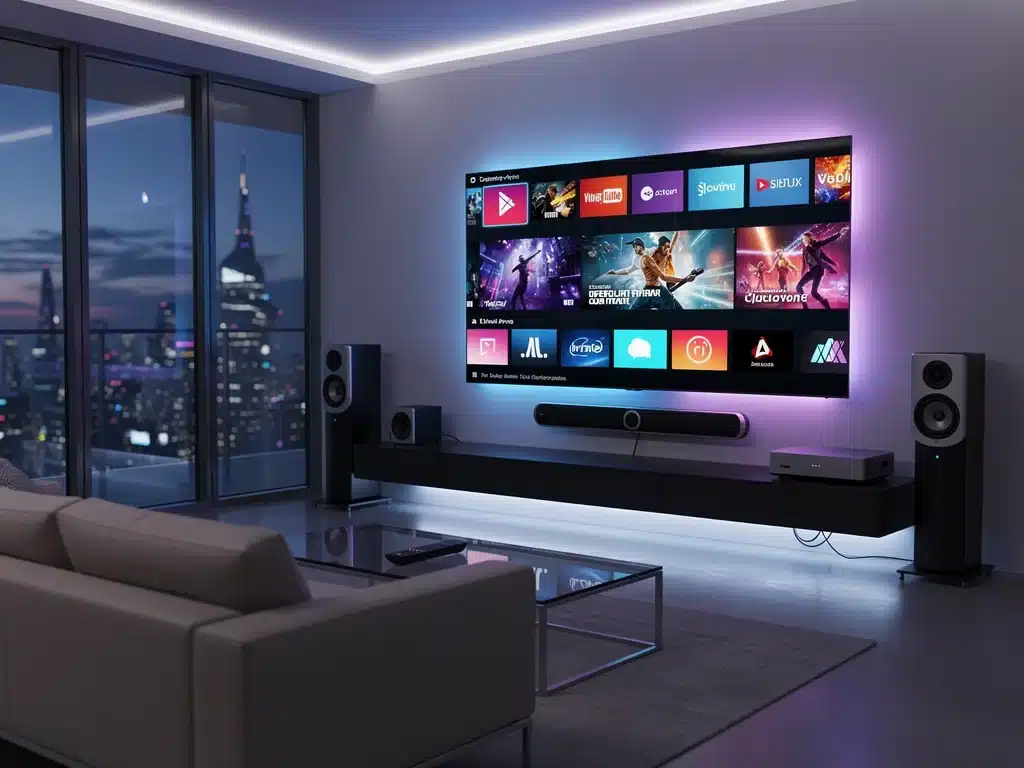
Nothing ruins a great live broadcast quite like unexpected buffering or pixelated frames just as things get intense. Learning how to future-proof your streaming setup in 2026 is no longer about buying flashier gear, but about making smart component upgrades.
With next-gen AV1 video codecs and 4K capture infrastructure becoming the new industry standard, older configurations are struggling to keep up. Adapting to these technical shifts ensures your system effortlessly encodes ultra-smooth video without breaking a sweat.
We have broken down the precise hardware investments required to maintain a competitive edge over the next five years. Here is your definitive roadmap to upgrading your internal processing power and capture devices for a flawless broadcasting experience.
The Core of Your Streaming Experience: CPU and GPU Advancements
The central processing unit (CPU) and graphics processing unit (GPU) remain the bedrock of any powerful streaming setup. These components dictate your system’s ability to encode, decode, and render high-fidelity content efficiently.
As resolutions climb to 8K and beyond, and content becomes more graphically intensive, their importance only grows.
For 2026, processors featuring higher core counts, improved clock speeds, and advanced instruction sets will be non-negotiable.
Modern CPUs from Intel and AMD are integrating specialized AI accelerators, known as NPUs (Neural Processing Units), which will play a crucial role in real-time video processing, upscaling, and noise reduction. This directly impacts the quality and efficiency of your streams.
Similarly, GPUs are evolving at an unprecedented pace, with next-generation architectures from NVIDIA, AMD, and potentially Intel set to offer significant performance leaps.
These GPUs will handle complex rendering tasks, advanced ray tracing for gaming, and hardware-accelerated encoding (like AV1 and future codecs) with superior efficiency. Upgrading these components is paramount to future-proof your streaming setup.
Next-Gen Processors: Powering Tomorrow’s Content
The latest CPU generations are not just about raw power; they’re about intelligent power. Hybrid architectures combining performance and efficiency cores are becoming standard, optimizing resource allocation for demanding streaming tasks.
This means smoother multitasking and less dropped frames, even when simultaneously gaming, streaming, and running multiple applications.
Future CPUs will also feature enhanced integrated graphics, which, while not a replacement for discrete GPUs in high-end setups, will offer robust capabilities for casual streaming or backup scenarios.
Consider platforms that support PCIe Gen 5 for future GPU and storage upgrades, ensuring your motherboard can accommodate upcoming hardware. This foresight is key to any successful streaming setup upgrades plan.
- Intel Core Ultra and AMD Ryzen X3D series for superior gaming and encoding.
- Integrated NPUs for AI-driven video enhancements and upscaling.
- Motherboard support for PCIe Gen 5 for future compatibility.
GPU Evolution: Beyond 4K and Ray Tracing
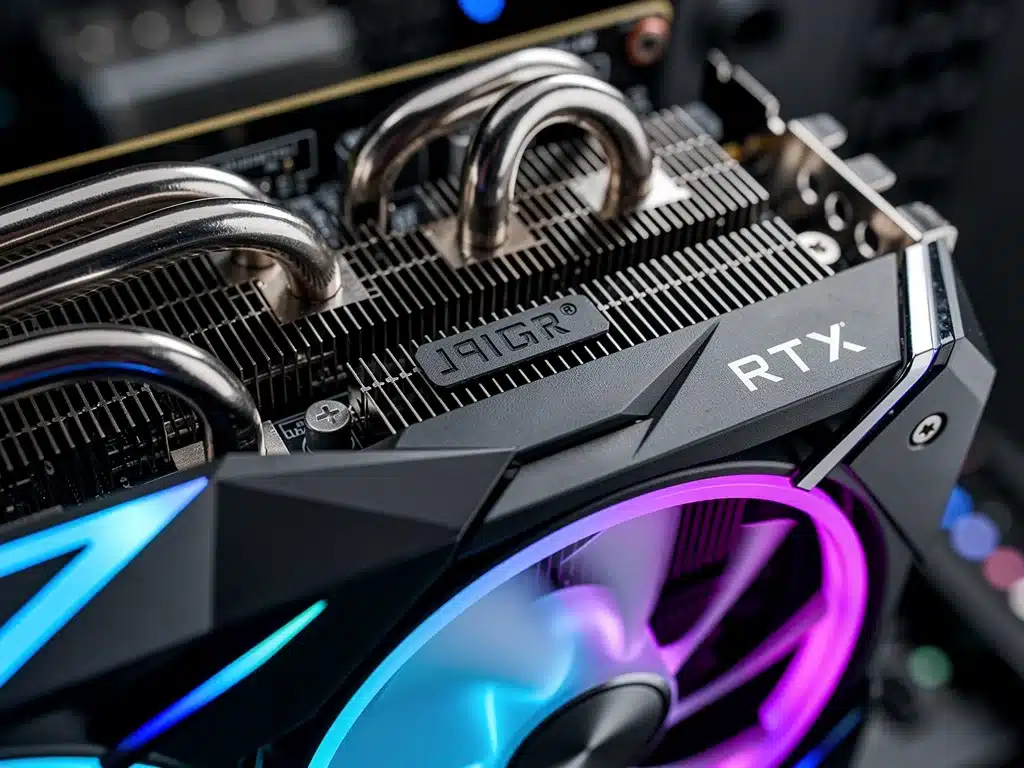
Graphics cards are the workhorses for rendering and encoding, and the next few years will bring formidable advancements. Expect GPUs with vastly increased VRAM, crucial for handling 8K textures and complex scene rendering.
Hardware encoders will become even more sophisticated, supporting new codecs like AV1 with greater efficiency and lower latency, which is vital for maintaining stream quality at lower bitrates.
The integration of AI cores within GPUs will also expand, moving beyond simple upscaling to more advanced real-time content generation and manipulation.
This could revolutionize how streamers interact with their audience and how content is presented. A powerful GPU is perhaps the single most impactful component to future-proof your streaming setup.
- NVIDIA GeForce RTX 50-series (or equivalent) for top-tier performance.
- AMD Radeon RX 8000-series (or equivalent) offering competitive alternatives.
- Increased VRAM capacity for high-resolution assets and complex rendering.
Memory and Storage: Speed and Capacity for High-Fidelity Streams
As content fidelity increases, so do the demands on your system’s memory and storage. High-resolution textures, uncompressed video files, and multiple applications running simultaneously require ample, fast RAM and rapid, capacious storage solutions.
Skimping on these components can create bottlenecks that undermine even the most powerful CPU and GPU.
For optimal performance through 2026, DDR5 RAM is now the standard, offering significantly higher bandwidth and lower latency than its predecessor. Future iterations, potentially DDR6, will further amplify these gains.
Coupled with NVMe SSDs utilizing PCIe Gen 4 or Gen 5, your system will be able to load assets, save recordings, and process data at blistering speeds, essential for a truly responsive streaming setup upgrades.
Efficient storage management also plays a role in future-proofing. Consider a multi-drive setup: a primary NVMe SSD for your operating system and frequently used applications, a secondary NVMe SSD for active projects and games, and potentially a larger, high-capacity SATA SSD or even a traditional HDD for archival storage.
This tiered approach ensures speed where it’s needed most while providing ample space for your growing content library.
DDR5 RAM: The New Standard for Performance
DDR5 memory modules bring substantial improvements in bandwidth and efficiency, crucial for systems that juggle multiple demanding tasks like live streaming, gaming, and video editing.
While current speeds are impressive, expect even faster kits to become mainstream, offering more headroom for future applications. Ensure your motherboard supports DDR5 to take advantage of these benefits.
When selecting DDR5, aim for higher clock speeds (e.g., 6000MHz and above) and tighter timings for the best performance.
While 16GB is a minimum for dedicated streaming, 32GB or even 64GB is advisable for content creators who frequently work with high-resolution video or complex multi-application workflows. This investment helps to future-proof your streaming setup against increasing memory demands.
- Aim for at least 32GB of DDR5 RAM for serious streaming and content creation.
- Prioritize higher clock speeds and lower CAS latency for optimal performance.
- Ensure motherboard compatibility with selected DDR5 modules.
NVMe SSDs: Unlocking Blazing Fast Data Access
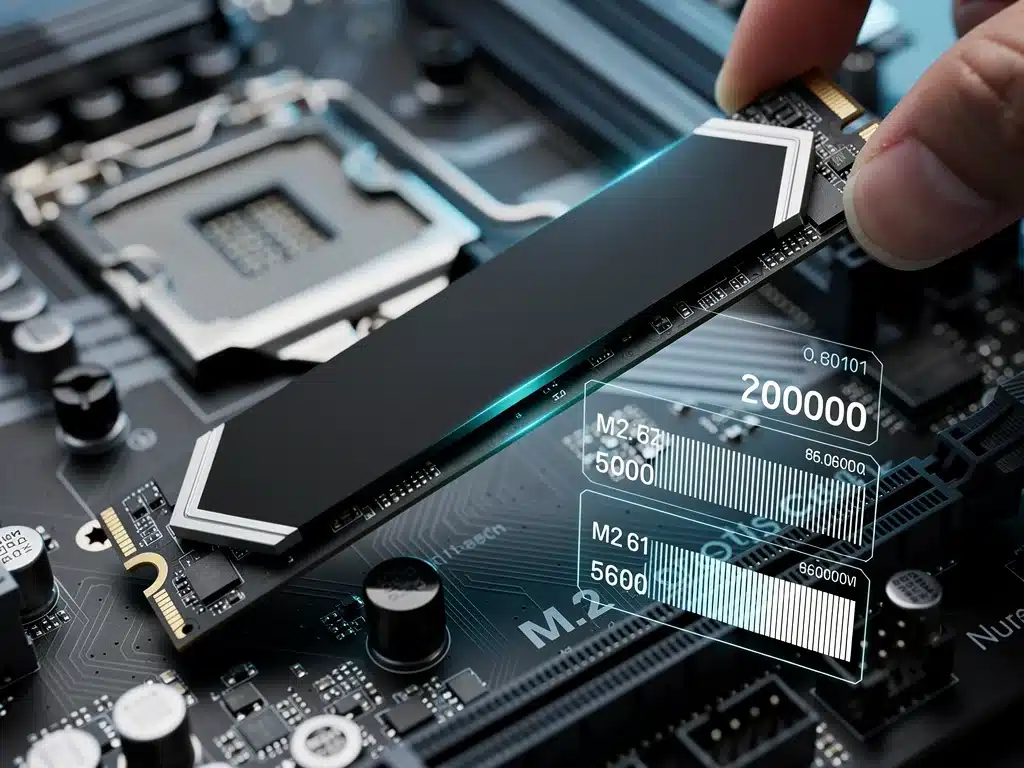
NVMe Solid State Drives (SSDs) are indispensable for modern computing, offering speeds several times faster than traditional SATA SSDs. With PCIe Gen 4 NVMe drives already prevalent, PCIe Gen 5 is rapidly emerging, pushing data transfer rates to unprecedented levels.
These speeds drastically reduce load times for games, applications, and large video files, making your entire system feel more responsive.
For a robust streaming setup upgrades, a primary NVMe SSD of at least 1TB is recommended for your operating system and core applications.
A second, equally fast NVMe SSD of 2TB or more is ideal for storing your game library, current video projects, and high-bitrate recordings. This configuration minimizes bottlenecks and ensures that your data is always accessible when you need it most.
- Primary NVMe SSD (1TB+) for OS and essential applications.
- Secondary NVMe SSD (2TB+) for games and active content projects.
- Prioritize PCIe Gen 4 or Gen 5 for maximum future compatibility and speed.
Network Infrastructure: The Backbone of Your Stream
A powerful PC is only as good as its connection to the internet when it comes to streaming. A robust and reliable network infrastructure is paramount to delivering high-quality, uninterrupted content.
This involves not just your internet service provider (ISP) speed, but also your internal networking hardware. To truly future-proof your streaming setup, you must invest in capabilities that exceed current demands.
For 2026, Gigabit Ethernet (1Gbps) should be considered the absolute minimum, with 2.5Gbps or even 10Gbps becoming increasingly relevant, especially for local network transfers and future internet speeds.
Wi-Fi 6E is the current wireless standard offering significant improvements, but Wi-Fi 7 is on the horizon, promising even lower latency and greater bandwidth. Upgrading your router and network adapters is a critical step in these streaming setup upgrades.
Furthermore, quality cabling is often overlooked but plays a vital role. Cat 6a or Cat 7 Ethernet cables are recommended for wired connections to ensure maximum throughput and minimize interference.
For serious streamers, a wired connection is always preferable to Wi-Fi due to its stability and lower latency. This foundational investment ensures your high-quality content reaches your audience without compromise.
Router and Ethernet: Ensuring Stable, High-Speed Connectivity
Your router is the gateway to your internet connection, and an outdated model can severely bottleneck your entire setup.
Invest in a router that supports at least Wi-Fi 6E for excellent wireless performance, or better yet, one that offers 2.5Gbps or 10Gbps Ethernet ports for your main streaming PC. This allows you to take full advantage of high-speed internet plans and minimize latency.
For wired connections, ensure your motherboard has a 2.5GbE or 10GbE port, or consider adding a dedicated network interface card (NIC).
This direct, high-bandwidth connection is crucial for maintaining consistent upload speeds, which are vital for smooth, high-resolution live streams. These network streaming setup upgrades are often as important as internal PC components.
- Upgrade to a Wi-Fi 6E or Wi-Fi 7 compatible router with multi-gigabit Ethernet ports.
- Utilize Cat 6a or Cat 7 Ethernet cables for all critical wired connections.
- Consider a dedicated 2.5GbE or 10GbE network interface card for your streaming PC.
Audio and Video Peripherals: Capturing and Delivering Quality
Beyond the core computing hardware, the quality of your audio and video peripherals directly impacts the professionalism and engagement of your streams.
As content creation becomes more competitive, high-fidelity capture and delivery are no longer optional but essential. To effectively future-proof your streaming setup, invest in peripherals that offer superior performance and adaptability to evolving standards.
For video capture, 4K webcams and dedicated DSLR/mirrorless cameras are becoming standard, often outputting clean HDMI feeds that require capable capture cards.
These capture cards must support high resolutions, high frame rates, and potentially HDR (High Dynamic Range) to preserve image quality. Audio, too, demands attention, with professional-grade microphones and audio interfaces delivering clear, crisp sound that significantly elevates the viewer experience.
Consider peripherals that offer versatility and future compatibility, such as microphones with interchangeable capsules or cameras with robust firmware update support.
Integration with software solutions for virtual backgrounds, advanced lighting controls, and stream deck devices enhances the overall production value. These carefully chosen peripherals are vital components of any comprehensive streaming setup upgrades strategy.
High-Quality Webcams and Capture Cards: Visual Excellence
A good webcam or camera is your audience’s window into your world. While many integrated webcams offer 1080p, dedicated 4K webcams or a DSLR/mirrorless camera with a clean HDMI output provide significantly better image quality, dynamic range, and low-light performance.
Pair these with a high-performance capture card that supports 4K at 60fps or even 120fps, and HDR for future-proof visuals.
External capture cards connected via USB 3.2 Gen 2 or Thunderbolt offer flexibility, while internal PCIe cards provide maximum bandwidth and minimal latency.
Look for cards that support various input resolutions and frame rates, allowing you to adapt to different source devices. These visual streaming setup upgrades directly impact viewer retention and professional perception.
- Invest in a 4K webcam or a DSLR/mirrorless camera with a clean HDMI output.
- Acquire a capture card supporting 4K60 HDR via PCIe or high-speed USB/Thunderbolt.
- Ensure compatibility with various input sources and resolutions for versatility.
Professional Audio Equipment: Crystal Clear Sound
Audiences are often more forgiving of less-than-perfect video than poor audio. A professional-grade microphone and a dedicated audio interface are crucial for delivering clear, rich sound.
USB microphones offer simplicity, but XLR microphones paired with an audio interface provide superior sound quality, greater control, and expandability.
Look for microphones with good off-axis rejection to minimize background noise and an audio interface that offers phantom power for condenser microphones and low-latency monitoring.
Software solutions for noise gates, compressors, and equalizers can further refine your sound. Prioritizing audio quality is a subtle yet powerful way to future-proof your streaming setup and enhance viewer engagement.
- Upgrade to an XLR microphone with a dedicated audio interface for superior sound.
- Utilize software for audio processing (noise gate, compressor, EQ).
- Consider acoustic treatment for your streaming space to minimize echoes and reverb.
Display Technology: Immersive Viewing for Content Creation and Consumption
The display is your primary interface for both creating and consuming content. As resolutions and refresh rates continue to climb, and new display technologies emerge, investing in a high-quality monitor or television is crucial for a truly immersive experience and accurate content production.
To future-proof your streaming setup, consider displays that offer cutting-edge visual fidelity and performance.
For 2026, 4K resolution is the standard, with 8K becoming more accessible, particularly for larger screens. High refresh rates (120Hz, 144Hz, or higher) are essential for smooth gaming and motion.
HDR support, offering brighter highlights and deeper blacks, is becoming a must-have for vibrant, lifelike visuals. Technologies like OLED and Mini-LED are setting new benchmarks for contrast and color accuracy.
For content creators, color accuracy and calibration capabilities are paramount. A monitor with a wide color gamut (e.g., 90%+ DCI-P3) ensures that your streamed content appears as intended to your audience.
Dual-monitor setups are also highly beneficial for managing chat, streaming software, and game windows simultaneously. These display streaming setup upgrades enhance both your production and viewing experience.
High-Resolution, High Refresh Rate Monitors: Visual Prowess
A high-resolution, high refresh rate monitor is a cornerstone of a modern streaming setup. A 4K monitor at 144Hz provides an excellent balance for both gaming and content creation, offering crisp visuals and fluid motion.
For competitive gamers, even higher refresh rates (240Hz+) might be preferable, though 4K at such rates can be very demanding on your GPU.
Consider monitors with adaptive sync technologies (G-Sync or FreeSync) to prevent screen tearing and stuttering. Look for panels that offer excellent color accuracy and HDR capabilities for the most vibrant and realistic images.
These display choices significantly contribute to how you experience and produce content, making them key to future-proof your streaming setup.
- Invest in a 4K monitor with at least a 144Hz refresh rate and adaptive sync.
- Prioritize HDR support and wide color gamut for vibrant, accurate visuals.
- Consider dual monitors for enhanced multitasking and workflow efficiency.
Power Supply and Cooling: Sustaining Peak Performance
Often overlooked, a reliable power supply unit (PSU) and efficient cooling solutions are critical for the stability and longevity of your high-performance streaming setup.
As hardware becomes more powerful and power-hungry, a robust PSU ensures all components receive consistent, clean power.
Adequate cooling prevents thermal throttling, which can degrade performance and shorten component lifespan. These foundational elements are essential to future-proof your streaming setup.
For 2026, PSUs with higher wattage ratings and 80 Plus Platinum or Titanium certifications are recommended to handle the increased power draw of next-generation CPUs and GPUs while maintaining energy efficiency.
Modular PSUs offer better cable management, improving airflow within your case. As for cooling, advanced air coolers and all-in-one (AIO) liquid coolers are more effective than ever at dissipating heat from hot-running components.
Proper case airflow, achieved through strategic fan placement and a well-designed chassis, also plays a crucial role. Investing in a larger case with good ventilation can accommodate larger components and facilitate better airflow.
These often-underestimated streaming setup upgrades are fundamental to maintaining peak performance and system reliability, preventing unexpected shutdowns or performance dips during critical moments.
Robust Power Supply Units: Uninterrupted Power Delivery
As CPU and GPU power consumption climbs, a high-wattage, efficient PSU is non-negotiable. Aim for at least 850W, and preferably 1000W or more, especially if you plan on running top-tier components.
An 80 Plus Platinum or Titanium rating indicates superior efficiency, reducing wasted energy and heat generation. Modular PSUs simplify cable management, which aids in better internal airflow.
Future-proofing your PSU means having enough headroom for potential component upgrades down the line without needing to replace the power supply.
A stable power delivery system is crucial for system longevity and preventing crashes or performance issues during intense streaming sessions. This ensures your streaming setup upgrades are supported by a solid foundation.
- Select a PSU of at least 850W, preferably 1000W+, with an 80 Plus Platinum/Titanium rating.
- Opt for a fully modular PSU for improved cable management and airflow.
- Ensure the PSU has sufficient connectors for all current and future components.
Advanced Cooling Solutions: Preventing Thermal Throttling
High-performance components generate significant heat, and managing this heat is vital for sustained performance.
For CPUs, high-end air coolers with large heatsinks and multiple fans, or 240mm/360mm AIO liquid coolers, are recommended. For GPUs, manufacturers are constantly improving their cooling solutions, but ensuring good case airflow is equally important.
Consider additional case fans, strategically placed to create optimal intake and exhaust pathways. A well-ventilated case with dust filters will help maintain lower internal temperatures and reduce maintenance.
Effective cooling not only prevents performance degradation but also extends the lifespan of your expensive hardware, safeguarding your investment in streaming setup upgrades.
- Utilize a high-end air cooler or 240mm/360mm AIO liquid cooler for your CPU.
- Ensure adequate case airflow with multiple, strategically placed fans.
- Monitor component temperatures regularly to prevent thermal throttling.
| Key Upgrade Area | Essential Recommendation |
|---|---|
| CPU & GPU | Next-gen processors with NPUs, RTX 50-series/RX 8000-series GPUs. |
| Memory & Storage | 32GB+ DDR5 RAM, PCIe Gen 4/5 NVMe SSDs (primary & secondary). |
| Network | Wi-Fi 6E/7 router, 2.5GbE/10GbE wired connection, Cat 6a/7 cabling. |
| Peripherals & Display | 4K camera, high-fidelity capture card, XLR mic, 4K 144Hz+ HDR monitor. |
Frequently Asked Questions About Streaming Upgrades
The GPU is arguably the most critical upgrade. Next-generation GPUs will offer significant leaps in rendering power, VRAM, and hardware encoding capabilities for new codecs like AV1. This directly impacts stream quality, resolution support, and overall system efficiency for complex tasks.
While 16GB can suffice for basic streaming, 32GB of DDR5 RAM is highly recommended for 2026. This provides ample headroom for multitasking, running demanding games, editing high-resolution video, and managing multiple streaming applications simultaneously without performance bottlenecks.
A wired Ethernet connection, ideally 2.5GbE or 10GbE, should always be prioritized for streaming due to its superior stability, lower latency, and consistent bandwidth. While Wi-Fi 7 offers impressive speeds, a wired connection minimizes potential interference and drops, crucial for live content.
A 4K monitor with a high refresh rate (144Hz or higher) and HDR support is ideal for future-proofing. This provides a balance of visual fidelity for both content consumption and creation, supporting the increasing resolutions of games and streamed content while offering smooth motion.
A high-wattage PSU (850W-1000W+) with an 80 Plus Platinum/Titanium rating is very important. Next-gen components are more power-hungry, and having sufficient, efficient power ensures system stability, prevents performance degradation, and provides headroom for future hardware upgrades, safeguarding your investment.
Perspectives on the Evolving Streaming Landscape
The journey to future-proof your streaming setup is an ongoing process, driven by the relentless pace of technological innovation.
The recommendations outlined here provide a solid foundation for 2026 and beyond, focusing on components that offer both performance and longevity.
As new codecs emerge, resolutions increase, and interactive streaming experiences become more sophisticated, adaptability will be key.
Staying informed about industry trends and making strategic, rather than reactive, hardware investments will ensure your content remains competitive and your viewing experience unparalleled.
The future of streaming is dynamic, and preparation today is paramount for success tomorrow.